The Enfold theme is currently one of the top-selling items on ThemeForest, with lifetime sales exceeding 75,000 downloads. It is arguably one of the most popular multipurpose themes on the market. In fact, aTheme.net is powered by Enfold, and we have loved working with it.
Developed by Kriesi, a highly respected ThemeForest author with combined sales of over 140,000, Enfold stands out for its intuitive layout options, responsiveness, and performance features.
Let’s look at what makes Enfold a best-seller and whether it is the right theme for your next site-building project.
1. Advanced Schema.org Markup
Many themes offer beautiful designs and drag-and-drop page builders, but where Enfold shines is in its extensive support for Schema.org markup.
Schema markup provides search engines with structured context about your content (such as articles, reviews, products, and events). This data makes it easier for Google to index your pages correctly and display rich snippets in search results.
Despite having robust built-in features, Enfold maintains excellent performance benchmarks, loading faster than many other multipurpose themes. This combination of speed and built-in search engine optimization makes it an exceptional base for editorial sites.
2. Polished Demos and Predefined Layouts
Enfold ships with 16 pre-configured demo layouts that can be loaded with a single click. These demos serve as a great foundation for custom designs, saving you days of layout work.
The Default Enfold Demo
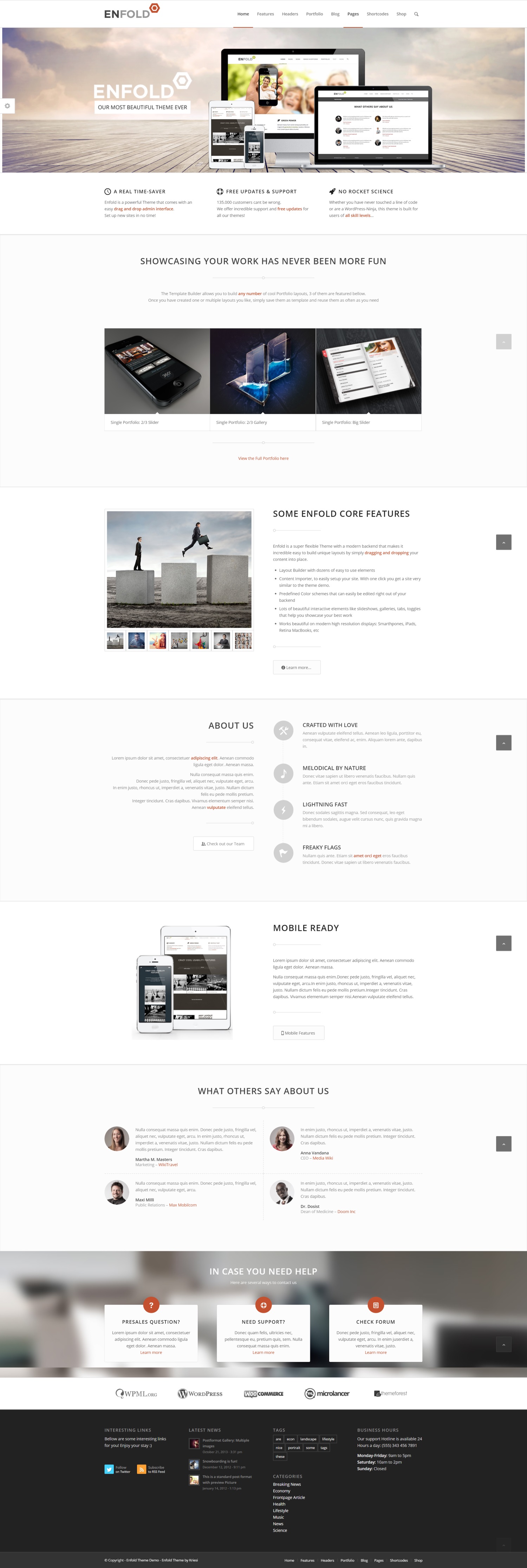 The default Enfold demo showcases its clean, professional layout.
To load one of these starter layouts, go to the Enfold Theme Options panel, open the Demo Setup tab, and choose the layout you want.
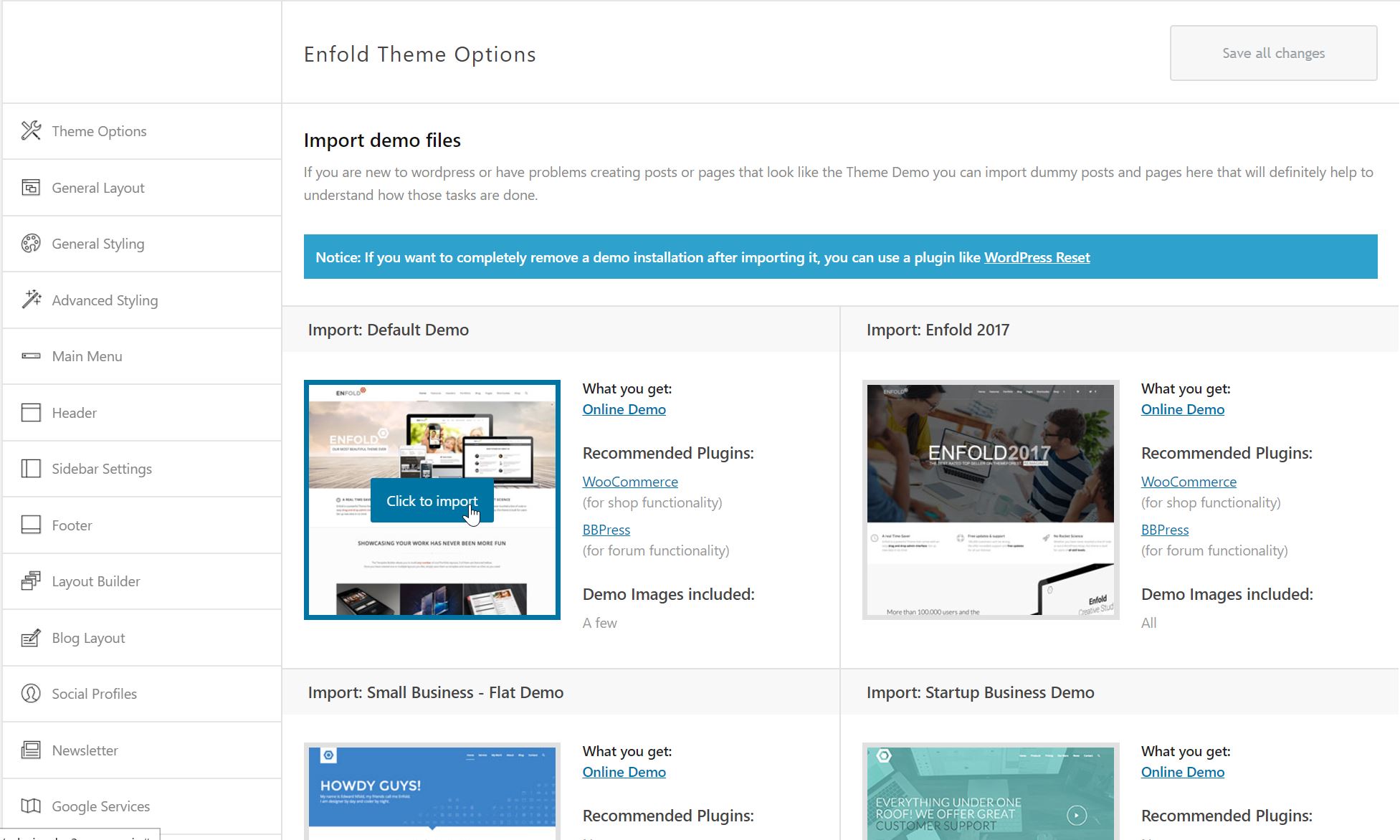 Starter layouts can be loaded with a single click from the theme dashboard.
3. Key Design Features
Fully Responsive and Retina-Ready
With Google’s emphasis on mobile-first indexing, having a mobile-friendly site is essential. Enfold is fully responsive, adjusting layouts, font sizes, and buttons automatically for any screen.
It is also retina-ready, meaning icons and layout elements remain crisp and clean on high-resolution screens.
The Avia Layout Builder
Enfold features the Avia Layout Builder, a lightweight, proprietary page builder. While not as complex as some standalone plugins, it has the advantage of being less bloated.
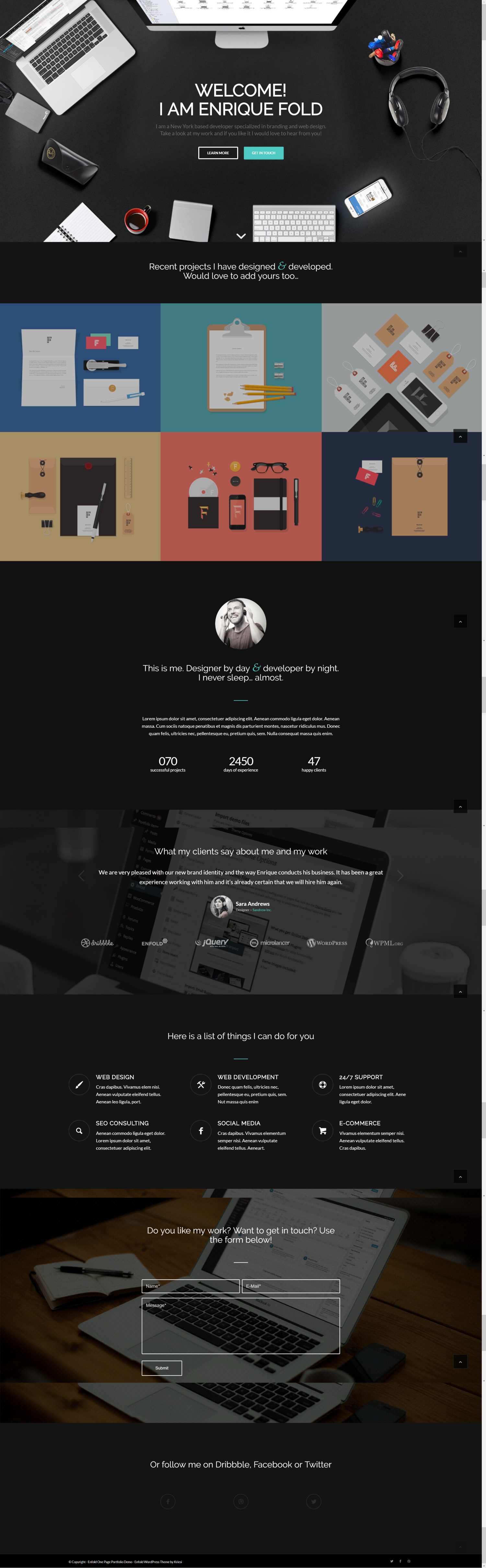 An example page styled using the built-in Avia Layout Builder.
The builder includes columns, accordions, pricing tables, testimonials, count-downs, and map embeds, allowing you to design pages without needing external plugins.
Integrated LayerSlider
For front-page visual interest, Enfold bundles the LayerSlider plugin. This tool allows you to build 2D and 3D transition animations, complete with customizable buttons and slide layers.
WooCommerce Support
Even if you aren’t running a store now, having the option to sell digital or physical products later is important. Enfold is fully compatible with WooCommerce, offering custom page styling for product feeds, cart pages, and checkout flows.
4. Theme Options Control Panel
The settings panel allows you to configure global options without editing code.
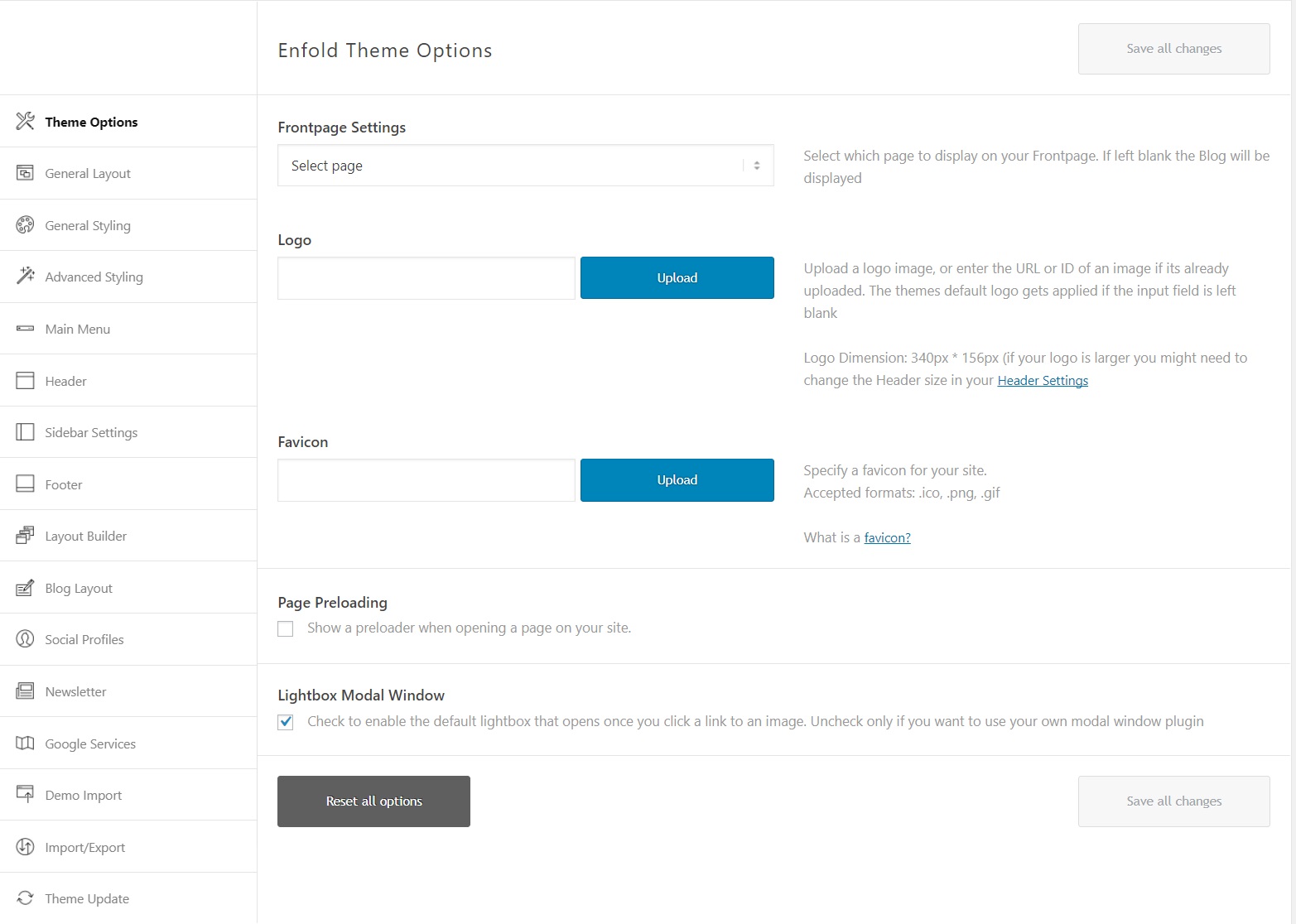 The global settings control panel in Enfold.
You can choose from over 20 predefined color schemes, manage web typography, and configure one to five distinct footer widget zones.
The Verdict
Kriesi has maintained and updated Enfold for years, keeping it modern and fast.
One thing to keep in mind: like most page-builder themes, Avia saves content using shortcodes in the database. If you decide to switch themes later, you will need to clean up these shortcodes from your pages.
However, if you are looking for a fast, SEO-optimized theme with extensive Schema markup and intuitive layouts, Enfold is one of the strongest options on the market.